Technical SEO Checklist for Better Google and AI Search Visibility
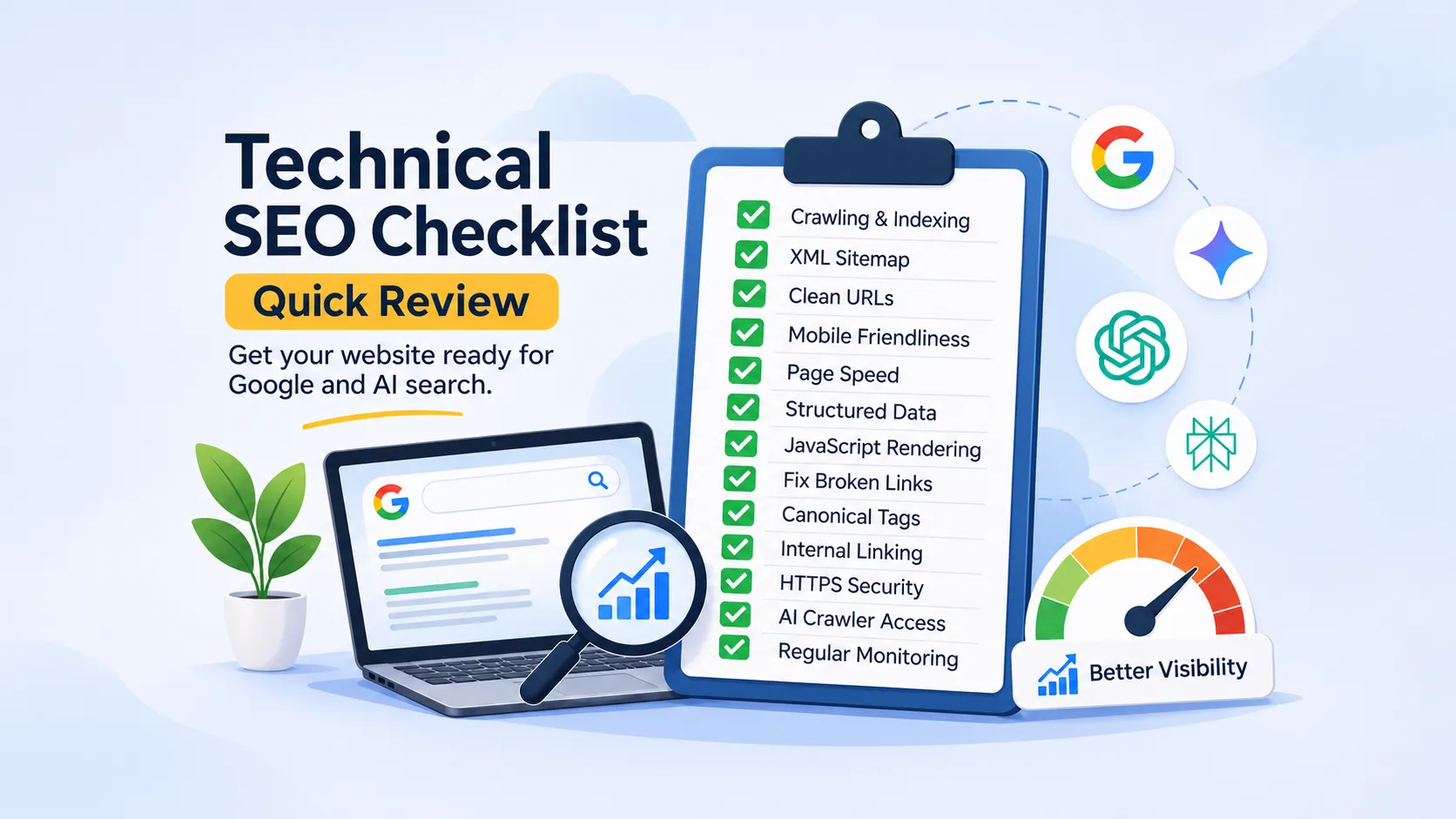
Creating useful content is only one part of improving your website's search visibility. Your website also needs a strong technical foundation so search engines and AI-powered platforms can access its pages, understand the content, and discover relevant information.
This is where technical SEO comes in.
Technical SEO focuses on the behind-the-scenes elements of a website that affect crawling, indexing, page performance, and overall accessibility. These factors have always mattered for Google Search. They are also important as search behaviour expands to platforms such as ChatGPT, Gemini, and Perplexity.
But is your website technically ready for this changing search environment?
Here is a detailed technical SEO checklist to help improve your website’s visibility across Google and AI-powered search platforms.
1. Check Whether Search Engines Can Crawl Your Website
Before a page can appear in search results, search engines need to discover and crawl it. If important pages are blocked or difficult to access, they may not be considered for indexing.
Start by checking your website’s robots.txt file. It provides instructions to crawlers about which parts of your website they can access.
Things to check:
Make sure important website pages are not blocked unintentionally.
Check whether your robots.txt file is accessible.
Review any restrictions on important resources such as CSS and JavaScript files.
Check whether relevant AI crawlers are blocked if you want their platforms to access your content. Different AI services use different crawlers and policies.
A robots.txt file should be configured carefully. Blocking the wrong directories or resources can affect how search engines access your website.

2. Make Sure Important Pages Are Indexed
Crawling and indexing are two different processes. A search engine may crawl a page but decide not to include it in its index.
If important service pages, product pages, or blog posts are missing from Google, they may not appear in relevant search results.
Use Google Search Console to review your website’s indexing status. Businesses that want to improve overall search performance can benefit from professional SEO services that address technical issues and strengthen online visibility.
Pay attention to:
Pages marked as excluded.
Pages with a noindex directive.
Duplicate pages with a different canonical URL.
Pages discovered but not indexed.
Important pages that are crawled but not indexed.
Not every page needs to be indexed. However, your important pages should be accessible and eligible for indexing.
Why does this matter for AI search?
Google’s AI features can use Google’s search index to identify relevant content. Other AI platforms may use different methods, including their own crawlers, search partners, or retrieval systems. Making your important content accessible and indexable is a useful foundation, although it does not guarantee AI visibility.
3. Create and Submit an XML Sitemap
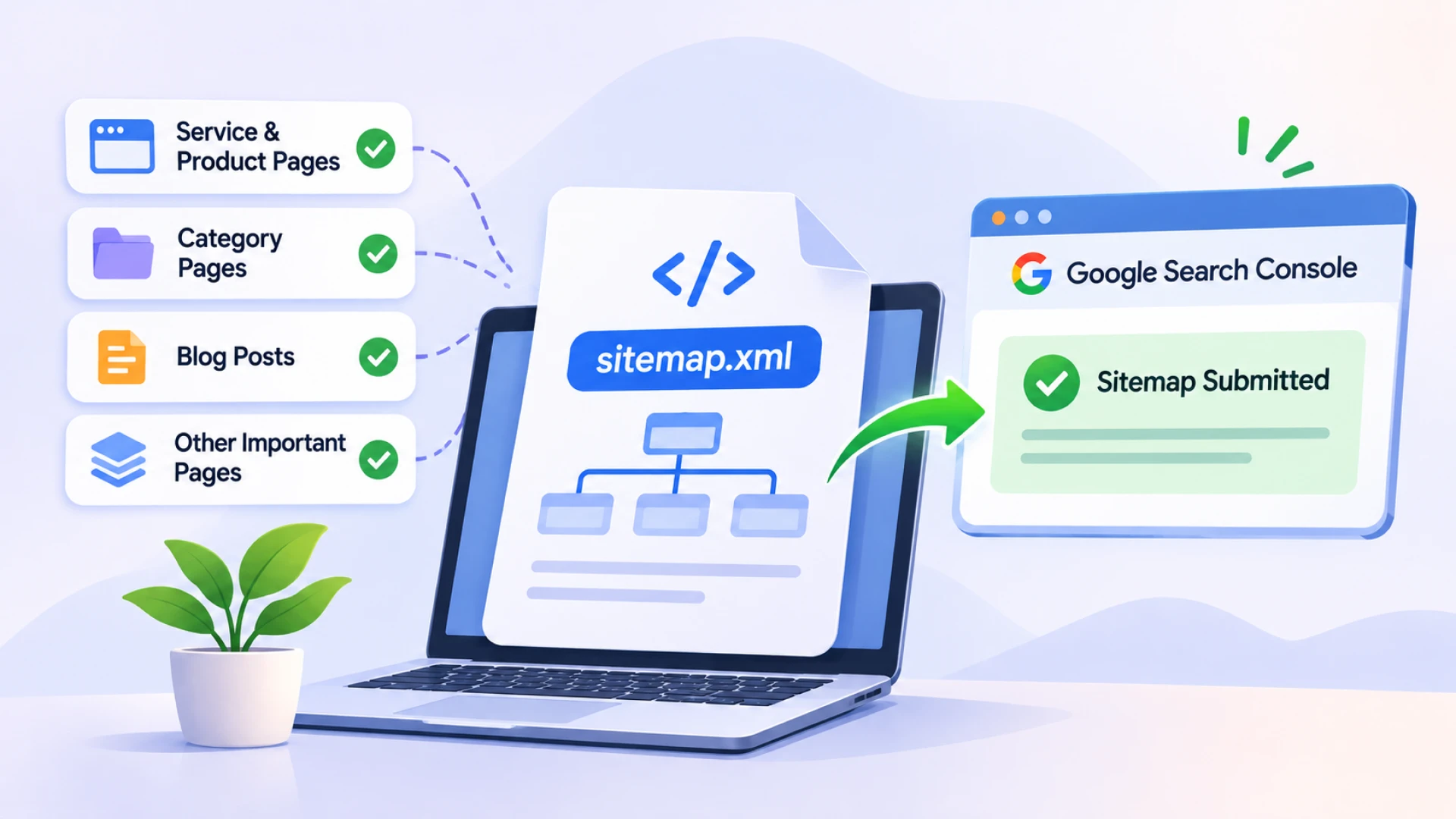
An XML sitemap gives search engines a list of important URLs on your website. It makes it easier for them to discover pages, especially on larger websites or websites with complex structures.
Your sitemap should include:
Important service and product pages.
Relevant category pages.
Published blog posts.
Other pages you want search engines to discover.
Avoid including URLs that redirect, return errors, or have a noindex directive.
Once your sitemap is ready, submit it through Google Search Console. Review it periodically to make sure it reflects your current website structure.
Remember that submitting a sitemap does not guarantee indexing. It simply provides search engines with useful information about your website.
4. Use Clear and Consistent URL Structures
A well-organised URL structure makes it easier for users and search engines to understand how your website is organised.
For example:
example.com/services/seo/example.com/services/technical-seo/example.com/blog/technical-seo-checklist/
Keep URLs short, descriptive, and relevant to the page content.
Avoid unnecessary parameters, confusing URL variations, and multiple URLs serving the same content.
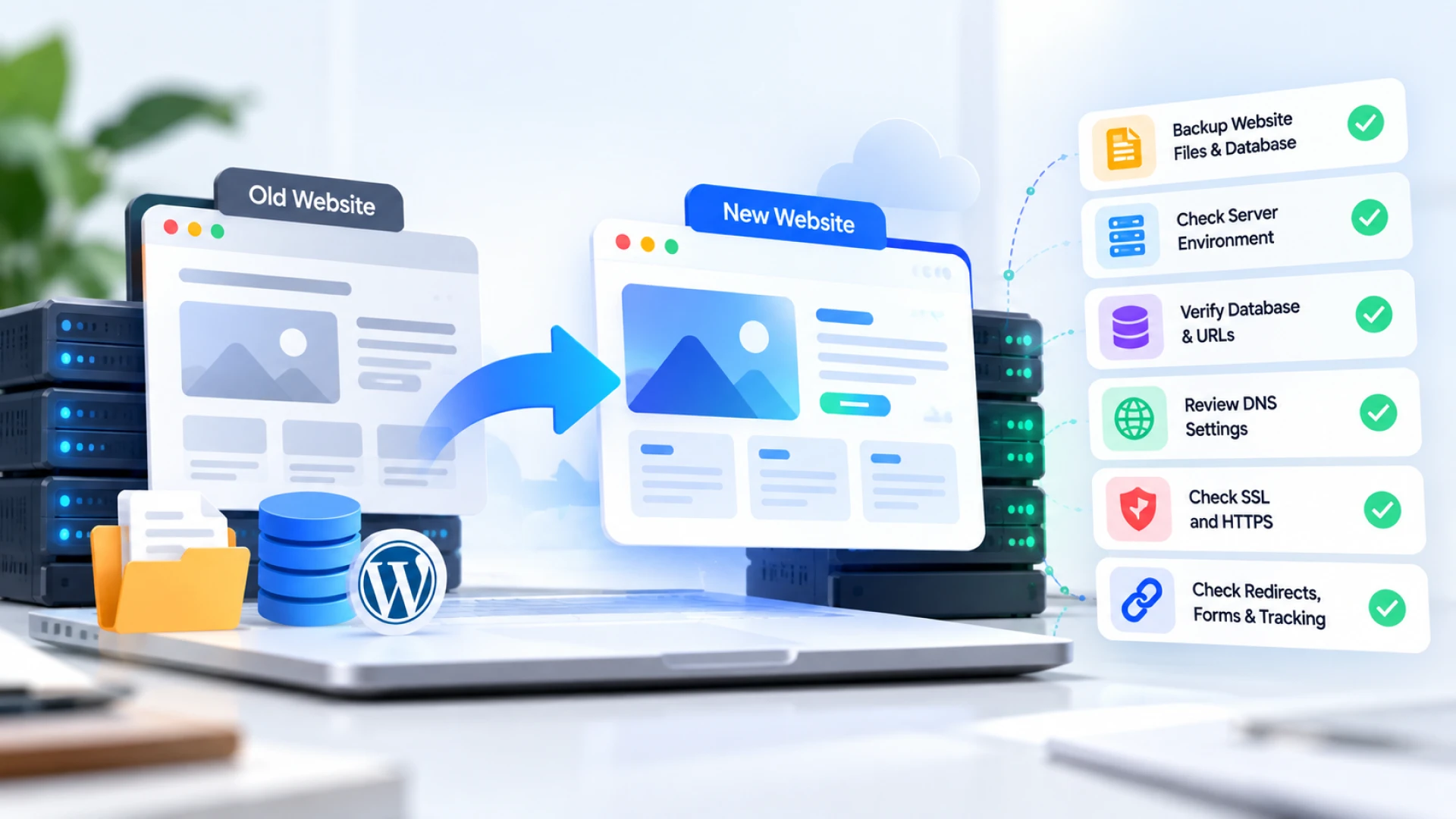
If you change an existing URL, set up a relevant 301 redirect to the new destination. This helps users and search engines reach the correct page. A clear website migration checklist can also help developers review URL changes, redirects, internal links, and other technical elements before a site goes live.
5. Check Your Website’s Mobile Performance
Most users browse websites through mobile devices. Google also primarily uses the mobile version of a website for indexing and ranking.
A website that works well on desktop but offers a poor mobile experience can create problems for both users and search visibility.
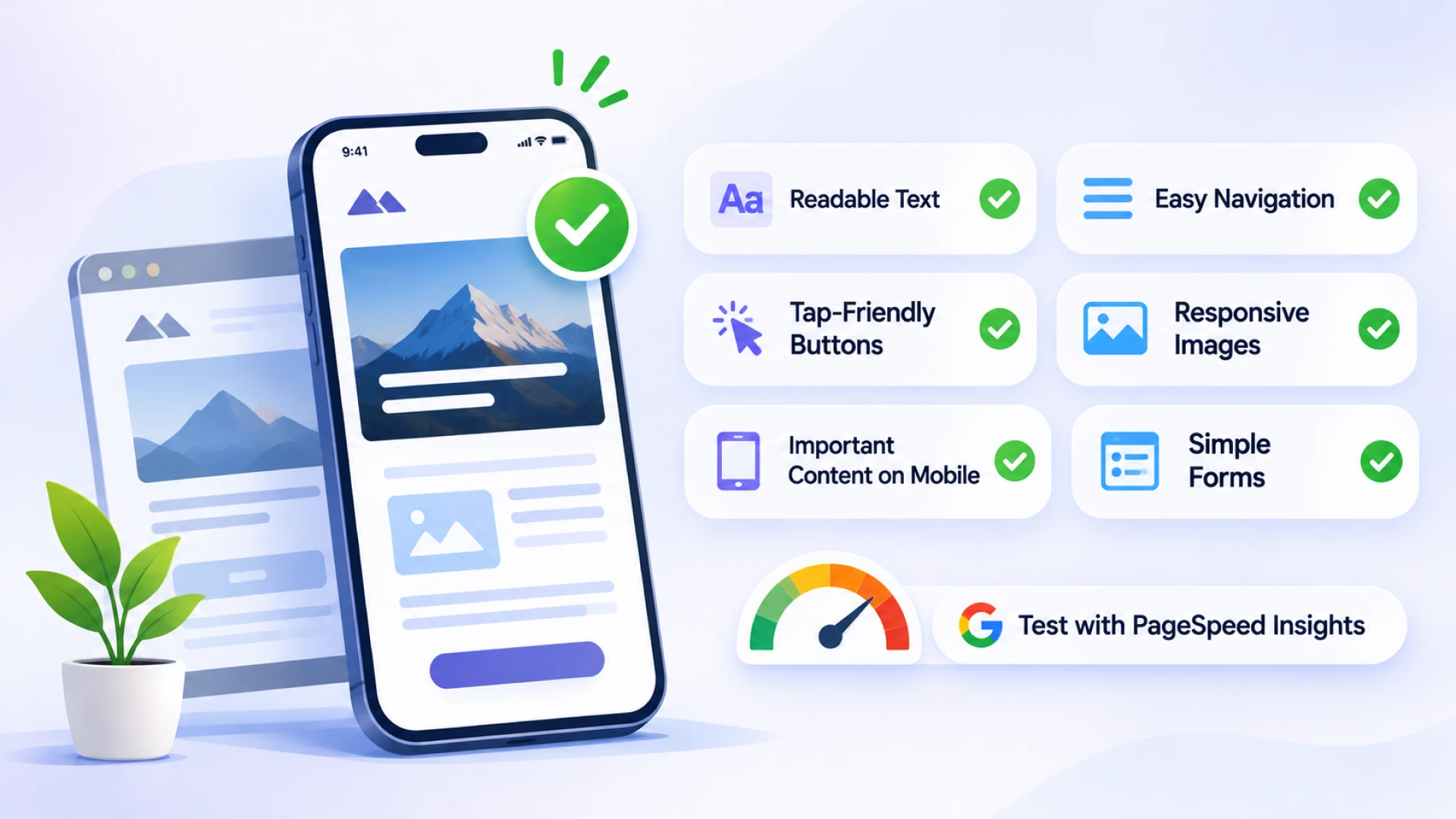
Check the following:
Text should be readable without zooming.
Navigation should work properly on smaller screens.
Buttons and links should be easy to tap.
Images should fit the screen.
Important content should be available on mobile.
Forms should be simple to complete.
You can use Google’s Mobile-Friendly testing alternatives and browser developer tools to review mobile usability. Google’s PageSpeed Insights can also help identify performance issues.
6. Improve Website Loading Speed and Core Web Vitals
Website speed affects the user experience. Slow-loading pages can make visitors leave before they find the information they need.
Google uses Core Web Vitals to assess aspects of page experience. These metrics focus on loading performance, responsiveness, and visual stability.
The three main Core Web Vitals are:
Largest Contentful Paint (LCP): Measures how quickly the main content loads.
Interaction to Next Paint (INP): Measures how quickly a page responds to user interactions.
Cumulative Layout Shift (CLS): Measures unexpected layout movement while a page loads.
Some practical ways to improve performance include:
Compressing and optimising images.
Using browser caching.
Reducing unnecessary JavaScript and CSS.
Enabling appropriate file compression.
Using a reliable hosting environment.
Loading images and other resources efficiently.
You can check these metrics using PageSpeed Insights and Google Search Console.
Good Core Web Vitals contribute to a better user experience. However, they should not be treated as a direct guarantee of higher rankings or AI citations.
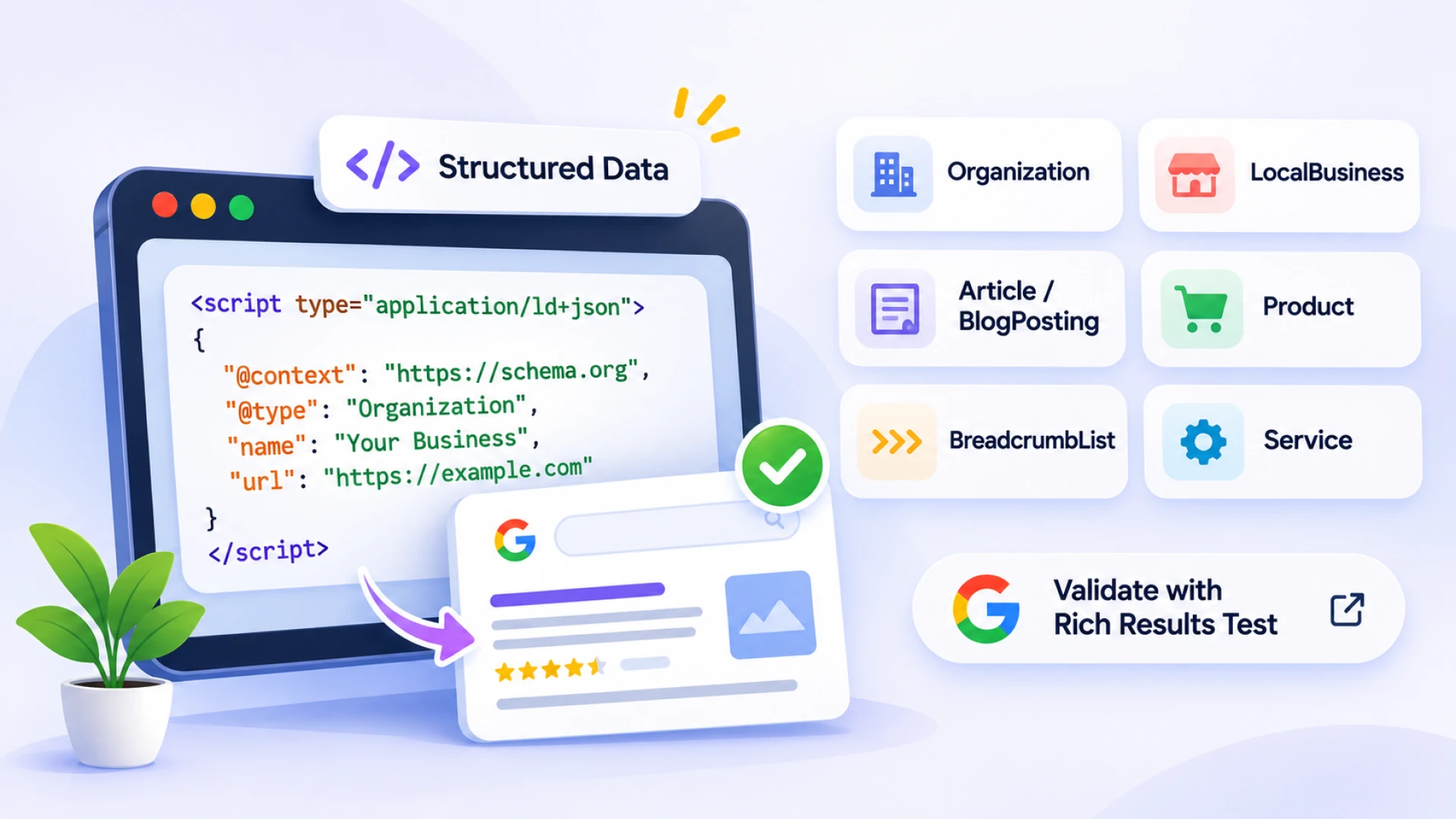
7. Implement Structured Data Where Relevant
Structured data helps search engines understand specific information on your website.
For example, a business website can use relevant schema markup to describe its organisation, services, and contact details. A blog can use Article or BlogPosting schema to provide information about its content. Clear page structures and relevant schema markup also support website optimisation for Google AI Overviews. This helps Google interpret the details available on your website.
Depending on your website, useful schema types may include:
Organization
LocalBusiness
Article or BlogPosting
Product
BreadcrumbList
Service
Make sure the structured data accurately represents the visible content on the page.
You can validate your markup using Google’s Rich Results Test and Schema.org Validator.
Structured data can make information easier for search engines to interpret and may make eligible pages appear with enhanced search features. However, adding schema does not guarantee rich results or inclusion in AI-generated answers.
8. Make Sure JavaScript Content Can Be Rendered
Many modern websites use JavaScript to load content, display products, or manage interactive elements.
However, if important content is not rendered properly, search engines may struggle to access it.
Check whether:
Main page content is available in the rendered HTML.
Important links are accessible to crawlers.
Navigation does not depend entirely on interactions that crawlers cannot perform.
JavaScript errors are not preventing important content from loading.
Key content is not hidden behind unnecessary scripts or user interactions.
Use Google Search Console’s URL Inspection tool to check how Google renders important pages.
For AI search visibility, accessible page content is also important. Different AI platforms may have different crawling and rendering capabilities, so do not assume that every platform processes JavaScript in the same way.
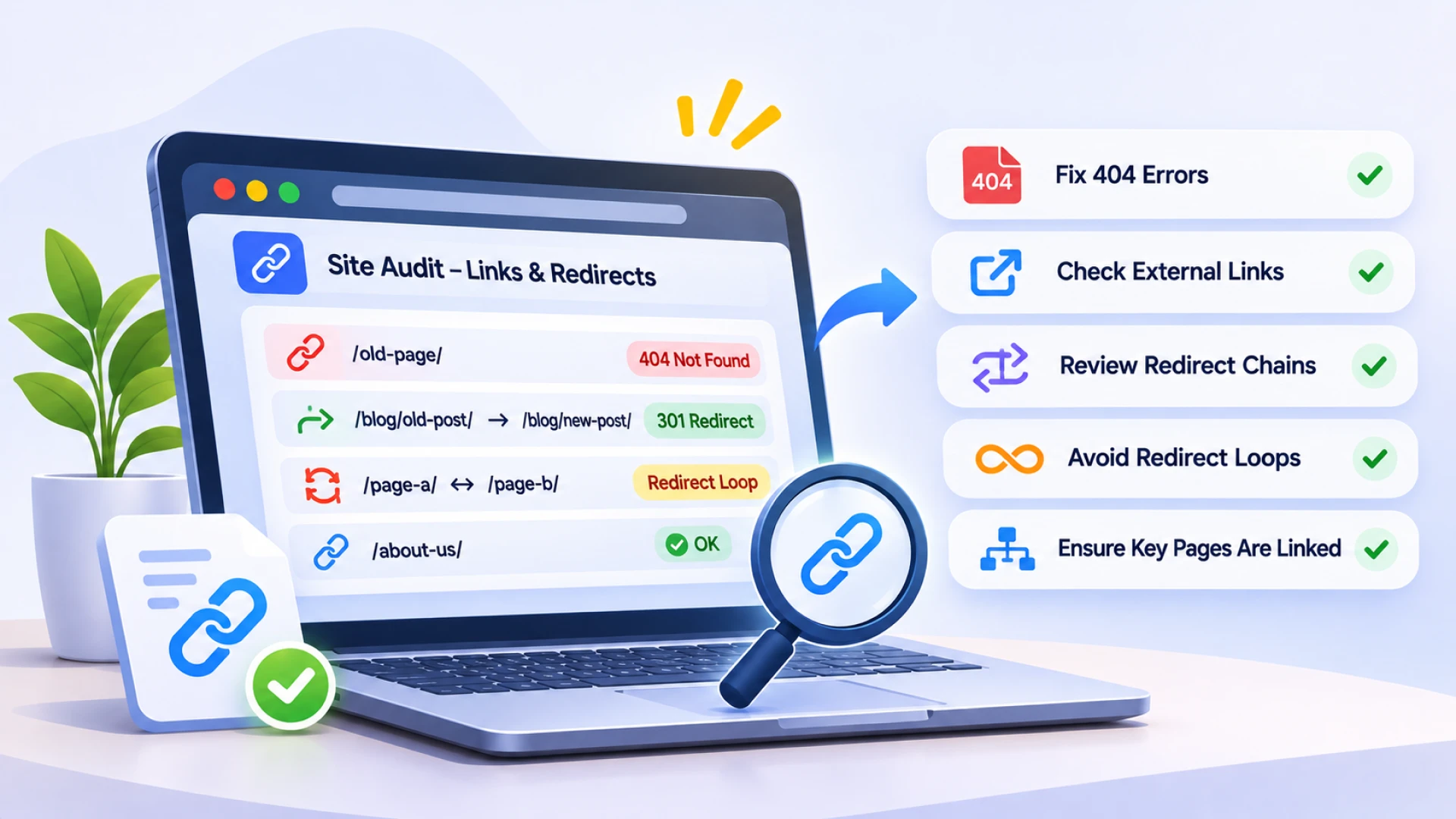
9. Fix Broken Links and Redirect Issues
Broken links can create a poor user experience and make it harder for search engines to navigate your website.
Review your internal and external links regularly.
Look for:
Internal links returning 404 errors.
Broken links pointing to external websites.
Redirect chains.
Redirect loops.
Pages redirecting to irrelevant destinations.
Important pages that are not linked from anywhere else.
Where possible, update broken internal links to point directly to the correct destination.
A clean internal linking structure also makes it easier for search engines to discover related pages and understand the relationship between different sections of your website.
10. Review Canonical Tags and Duplicate Content
Sometimes the same or very similar content is accessible through multiple URLs. This can happen because of URL parameters, trailing slashes, HTTP and HTTPS versions, or different URL variations.
Canonical tags help indicate which version of a page should be treated as the preferred URL.
Check that:
Important pages have the correct canonical URL.
Canonical tags point to the preferred version of the page.
Redirected URLs are not incorrectly set as canonicals.
Duplicate pages are handled consistently.
Internal links point to the preferred URL wherever possible.
This helps search engines understand which version of a page you want them to consider for indexing.
11. Build a Strong Internal Linking Structure
Internal links connect different pages on your website. They help visitors explore related information and allow search engines to discover important content.
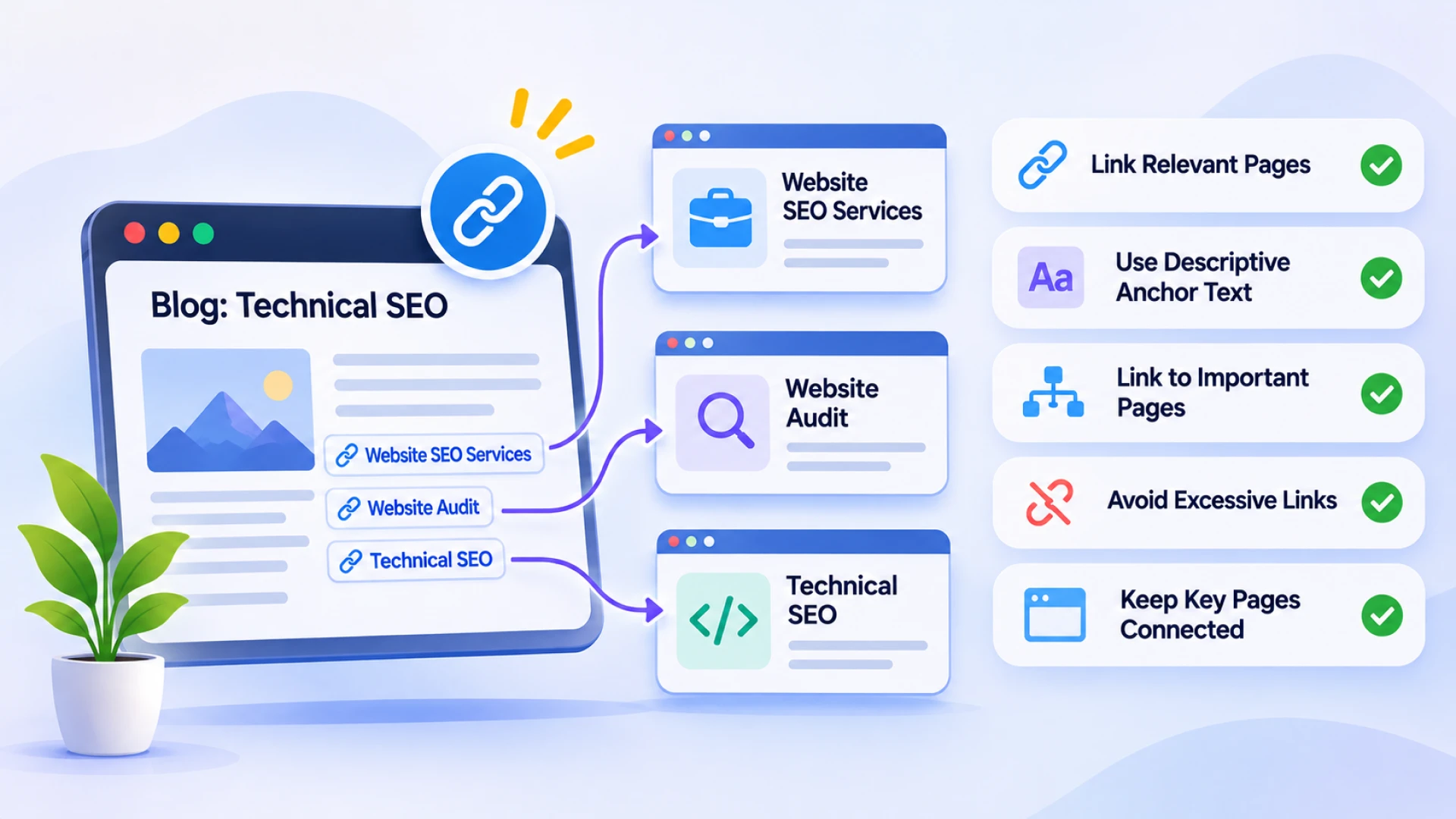
For example, a blog about technical SEO can link to relevant pages covering website SEO services, website audits, and technical SEO topics.
A good internal linking strategy should:
Connect relevant blog posts with service pages.
Use descriptive anchor text.
Link to important pages from relevant sections.
Avoid excessive or unnecessary links.
Make sure important pages are not isolated from the rest of the website.
Internal linking also provides useful context about how different topics relate to each other. This can support search engines in understanding your website’s content structure.
12. Secure Your Website with HTTPS
Website security is an important part of maintaining a reliable online presence.
HTTPS encrypts the connection between a website and its visitors. It helps protect information shared through forms, login pages, and other interactions.
Check that:
Your website uses a valid SSL certificate.
HTTP URLs redirect to their HTTPS versions.
Internal links use HTTPS.
Images, scripts, and other resources do not load over insecure HTTP connections.
There are no mixed-content warnings.
HTTPS is also a lightweight Google ranking signal, but its value goes beyond rankings. It helps establish a more secure browsing experience for visitors.
13. Keep Your Website Content Accessible to AI Crawlers
As AI-powered search continues to grow, businesses are paying more attention to how their websites can be discovered by platforms such as ChatGPT, Gemini, and Perplexity.
Technical accessibility is one part of this process.
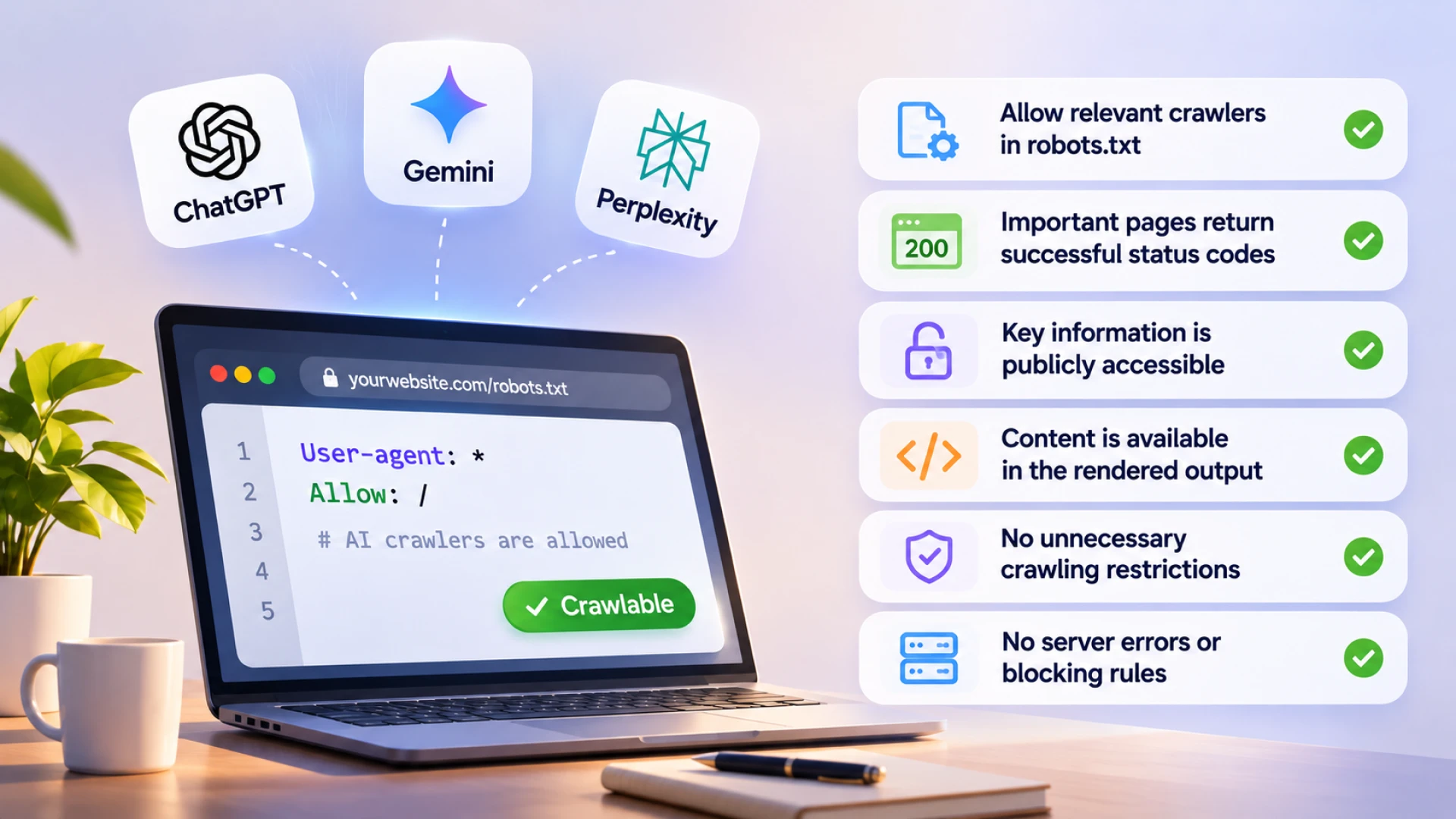
Start by reviewing your robots.txt file and server settings to understand whether relevant crawlers can access your public website content.
Also check:
Whether important pages return successful HTTP status codes.
Whether key information is available without requiring a login.
Whether content is accessible in the page’s rendered output.
Whether your website has unnecessary crawling restrictions.
Whether server errors or security rules are blocking legitimate crawlers.
Different AI platforms use different crawlers and information sources. Some may retrieve content in response to a query rather than continuously crawl and index every website.
Allowing a crawler to access your website does not guarantee that your content will be cited or recommended. However, unnecessary access restrictions can limit the ways in which a platform discovers your content.
14. Monitor Your Website Regularly
Technical SEO is not a one-time activity. Website updates, plugin changes, new pages, and redesigns can introduce issues over time.
Regular monitoring helps you identify problems before they affect important pages.
Some useful tools include:
Google Search Console: Monitor indexing, search performance, sitemap status, and crawling issues.
Google PageSpeed Insights: Review page performance and Core Web Vitals.
Screaming Frog SEO Spider: Identify broken links, redirects, missing metadata, and other technical issues.
Google Analytics 4: Understand website traffic and user behaviour.
Schema Markup Validator: Check structured data implementation.
For AI search, you can also track brand mentions, website citations, and referral traffic from AI platforms. These measurements complement technical SEO monitoring but should be assessed separately from traditional Google rankings.
Final Thoughts
Technical SEO remains an important part of building a website that performs well in search. While content quality and relevance influence whether a page deserves visibility, technical issues can make it difficult for search engines and AI platforms to access or understand that content.
A technically sound website gives your content a better foundation for discovery. It also creates a smoother experience for visitors.
If your website is not getting the visibility you expect, reviewing its technical SEO can be a good starting point.

You May Also Like

Top Deal Apps and Platforms to Get Your Restaurant Noticed in Tricity
Read Article
How Pharmaceutical Companies Can Generate B2B Leads Online
Read Article
Google September 2026 Spam Update: What Website Owners Should Know
Read Article